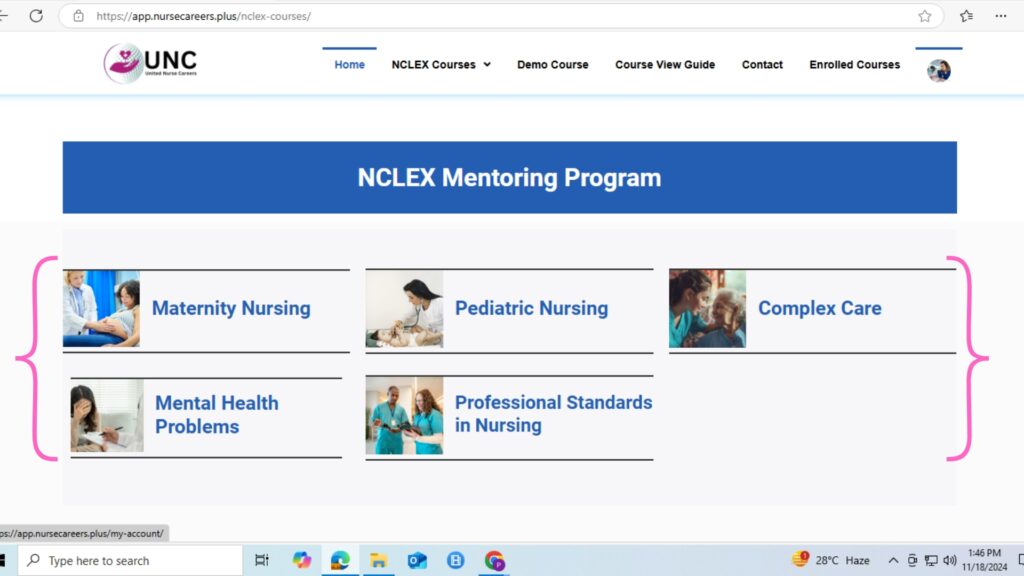
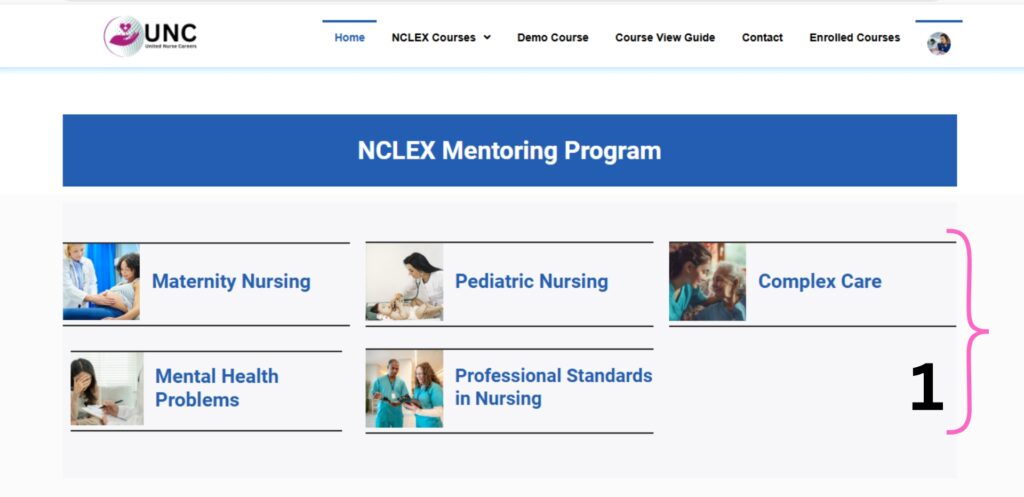
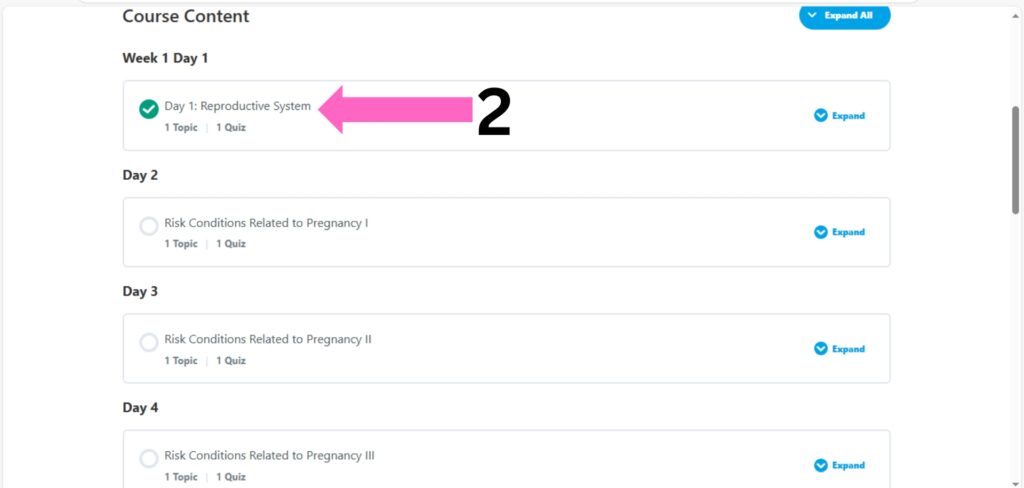
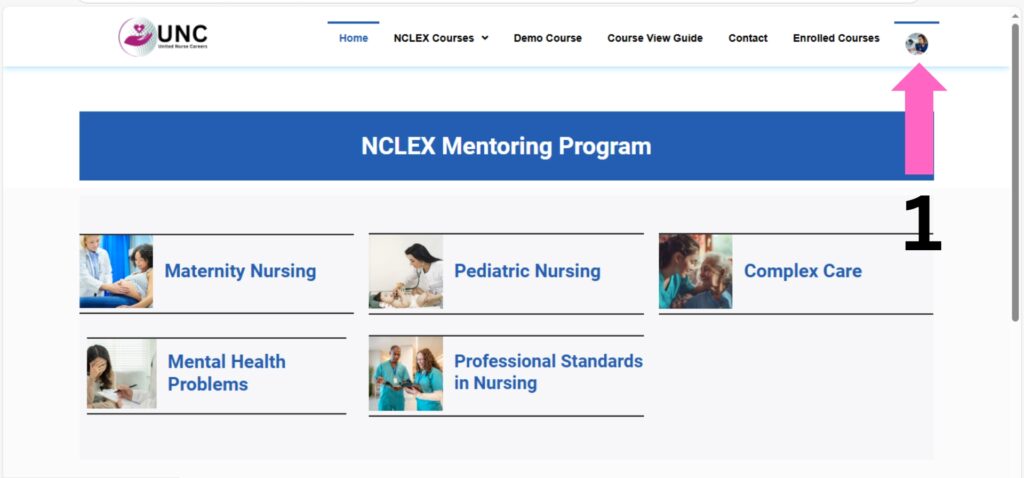
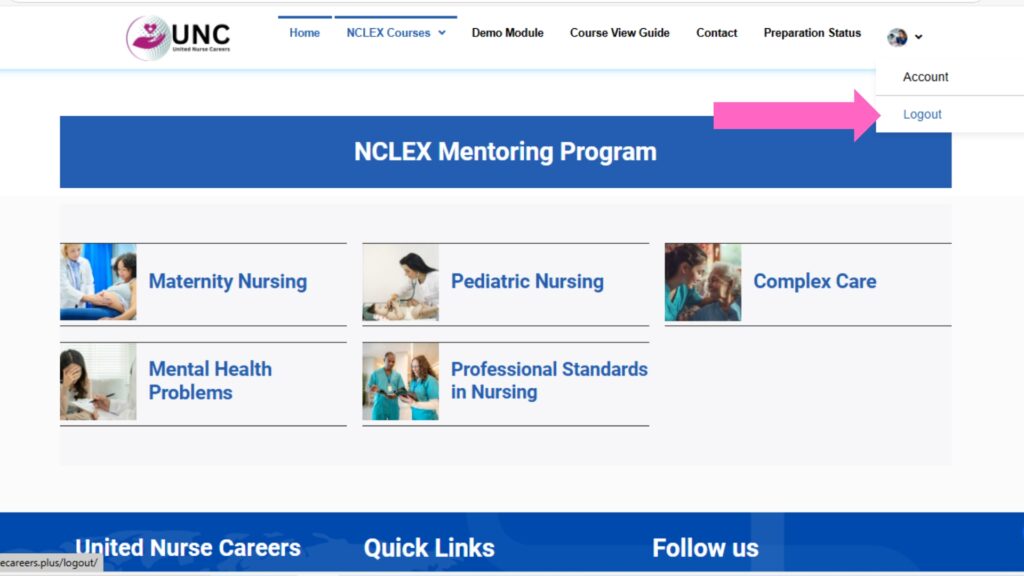
Choose the Course: Navigate to the course you’ve enrolled in from your dashboard or course list.
Select a Lesson: Click on the lesson you want to start. Each lesson consists of different topics that you can explore.
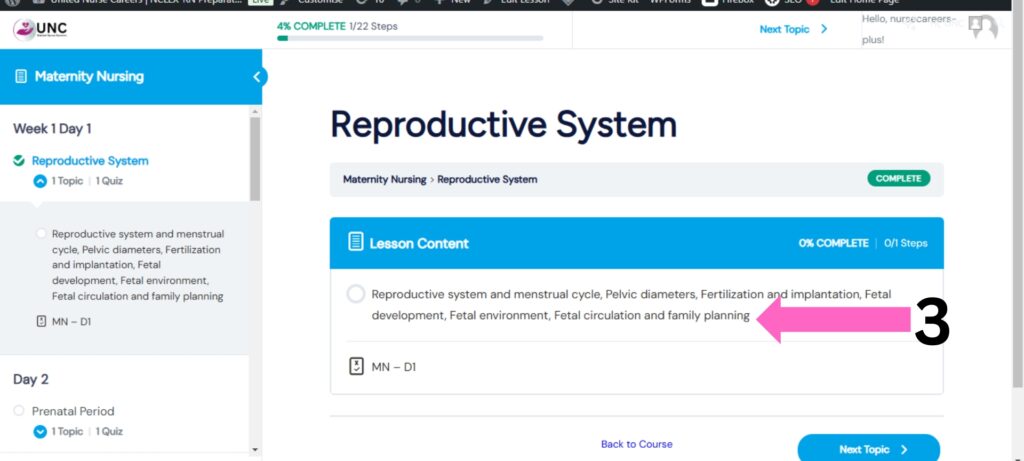
- Select a Topic: Click on the topic you want to start. Each lesson consists of different topics that you can explore.
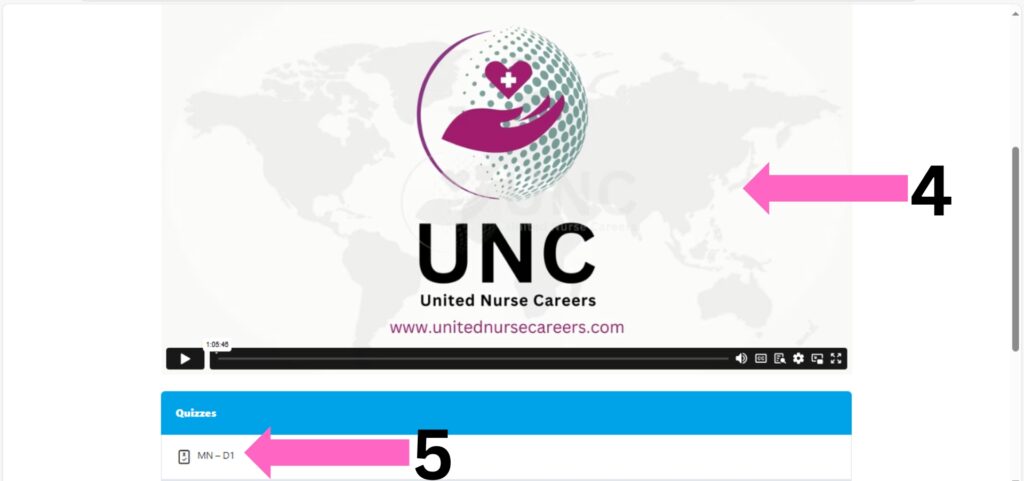
View the Online Course Video: Within the lesson, click on the topic you wish to learn. Watch the online course video related to that topic.
Complete the Topic: Make sure you finish watching the entire video for the topic. Only after completing the video, you’ll be able to access the quiz section related to that lesson.
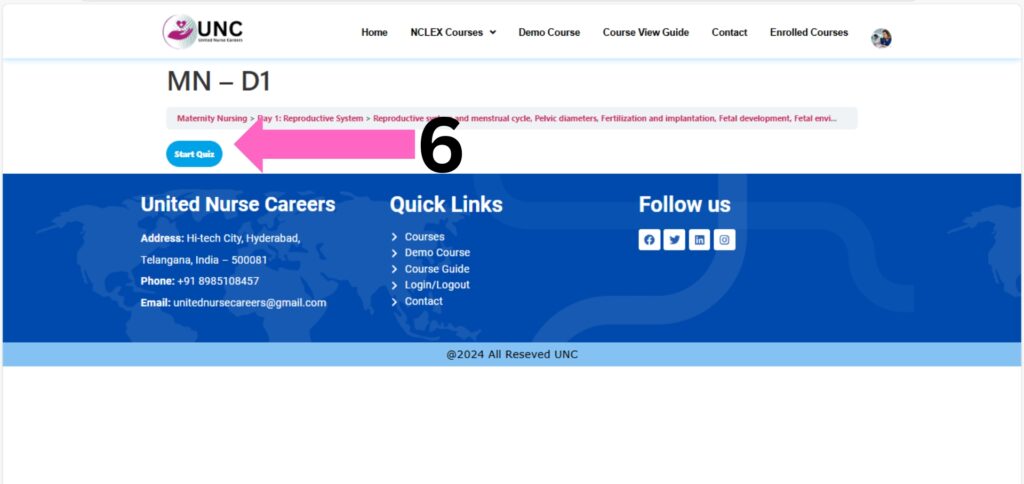
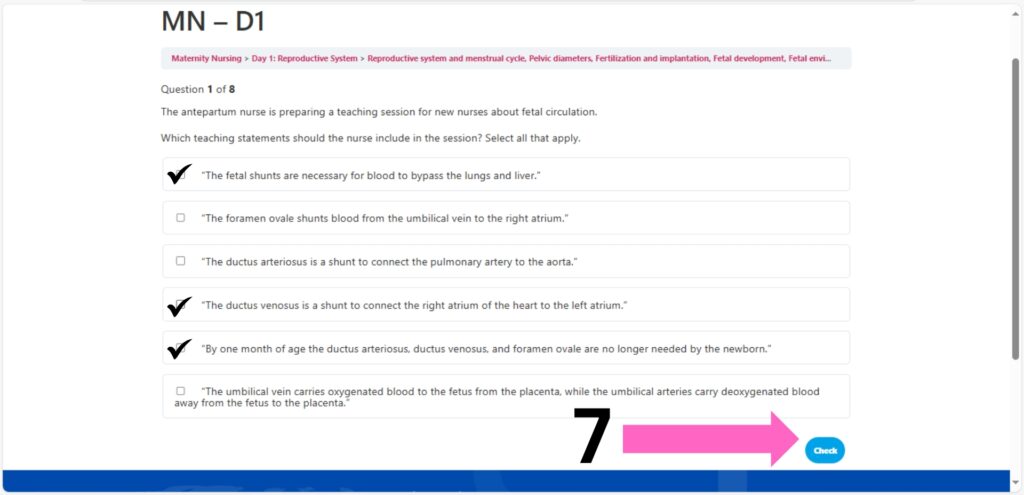
Attempt the Quiz: Once you’ve completed the topic video, the quiz will be unlocked. You can attempt the quiz to test your understanding of the lesson.
Quiz Details:
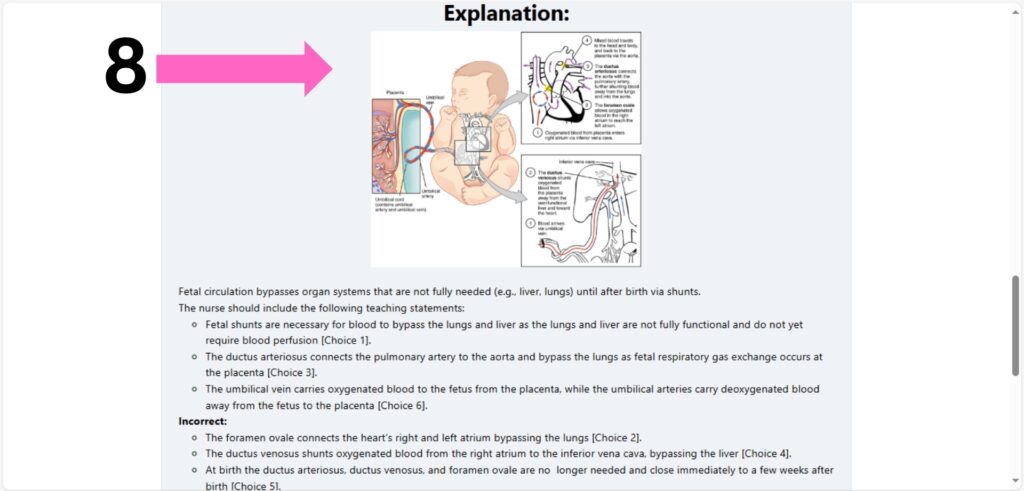
- Each quiz question comes with a detailed explanation to help you understand the concept better.
- After you answer each question, your score will be displayed so you can track your progress.
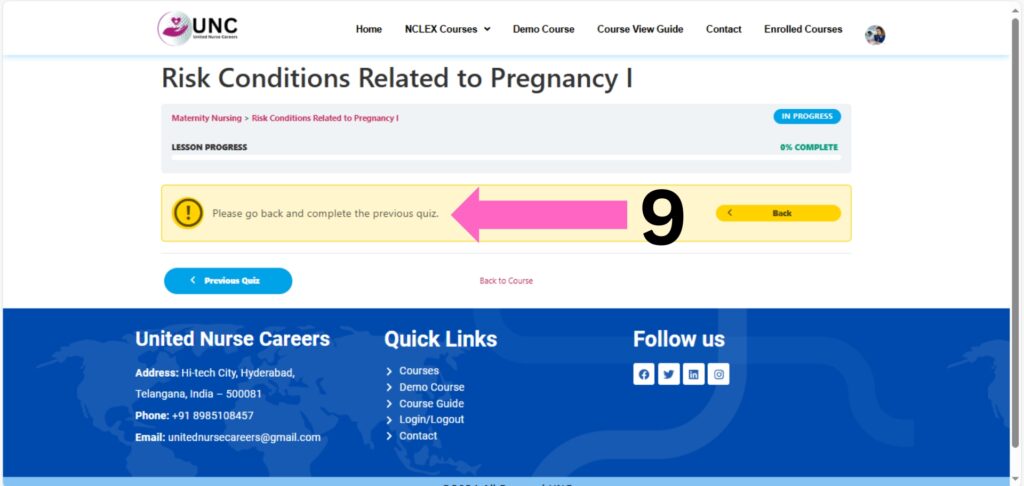
Move to the Next Lesson: After completing the quiz for a lesson, you’ll be able to access and move on to the next lesson in the course. If you not complete the previous topic.
Remember, it’s important to complete the video content before attempting the quiz to ensure you’re well-prepared for the questions!